ChatGPT
ChatGPT is an OpenAI chatbot which is to offers quick responses to diverse tasks

Safe & Secure
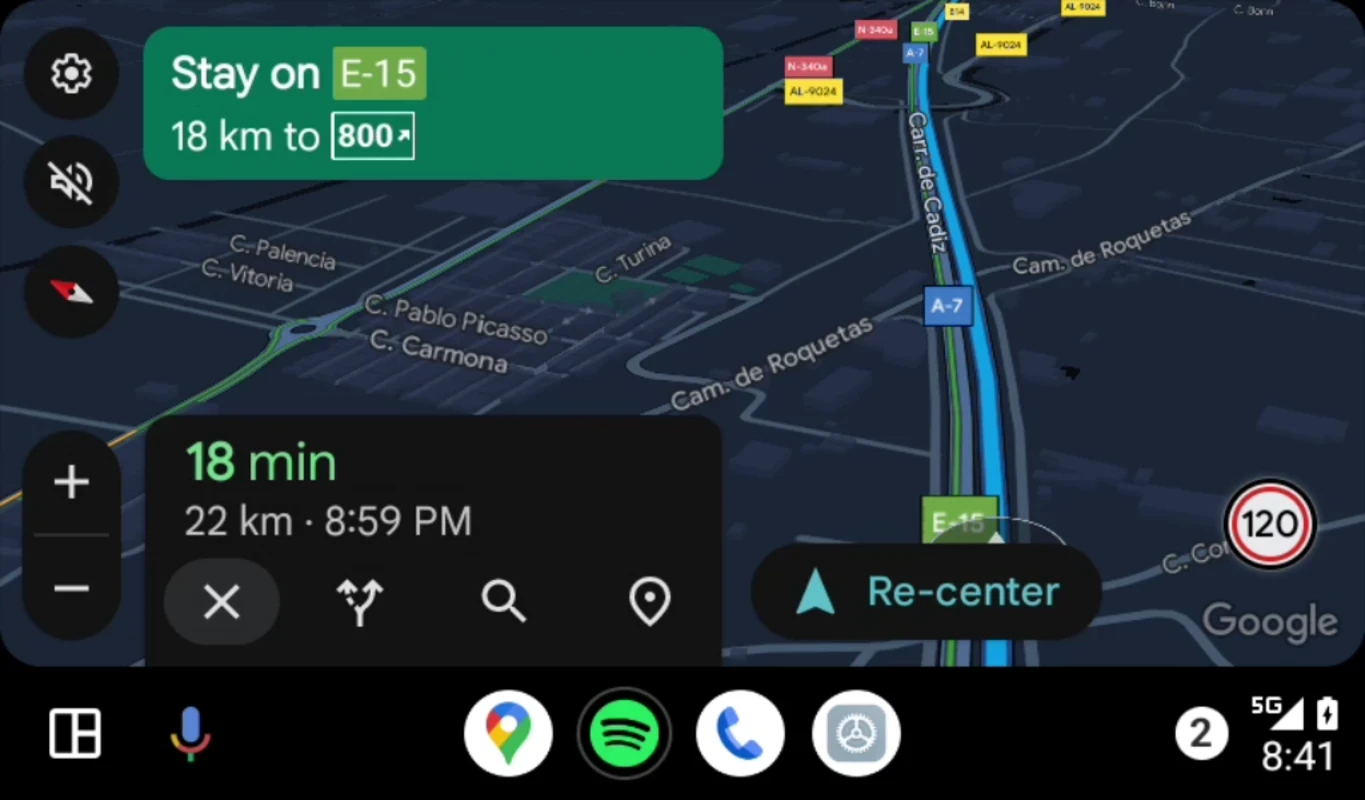
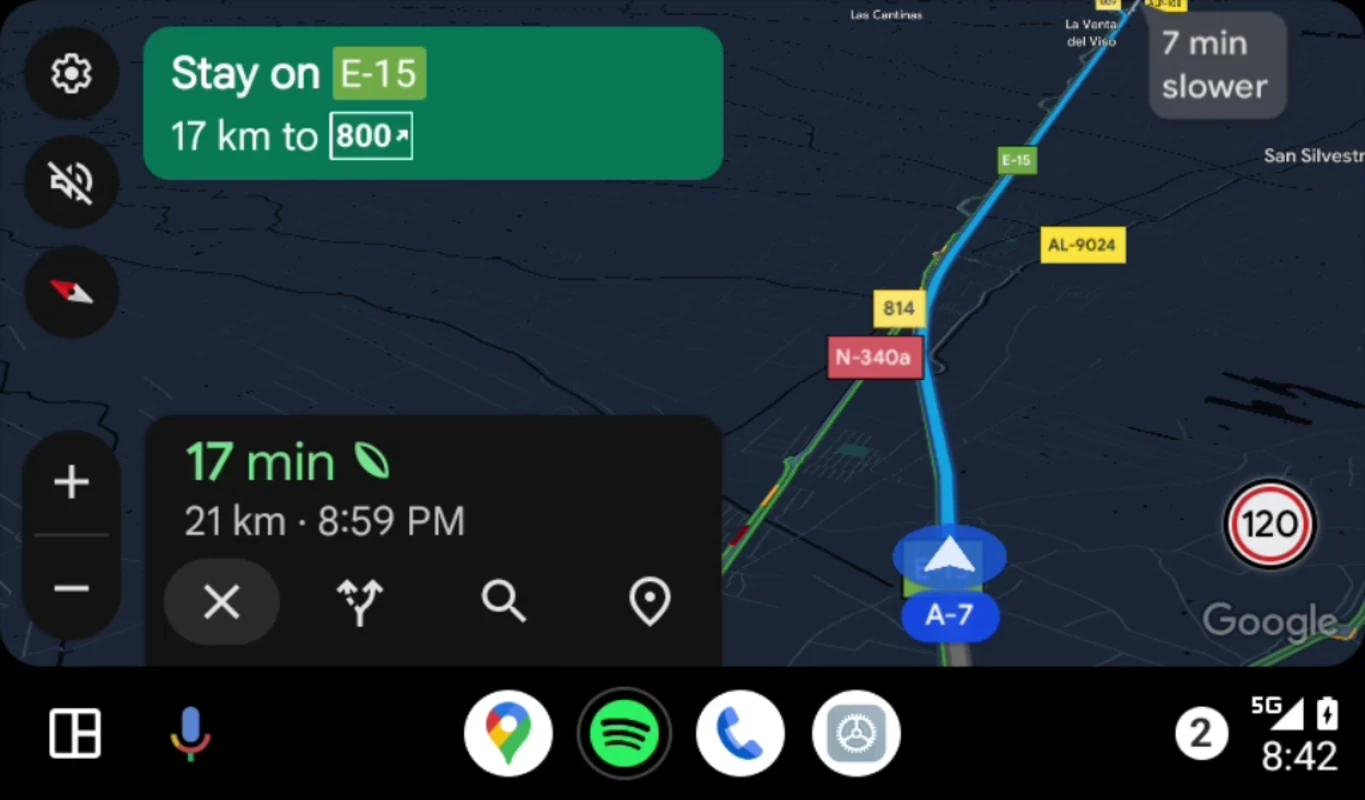
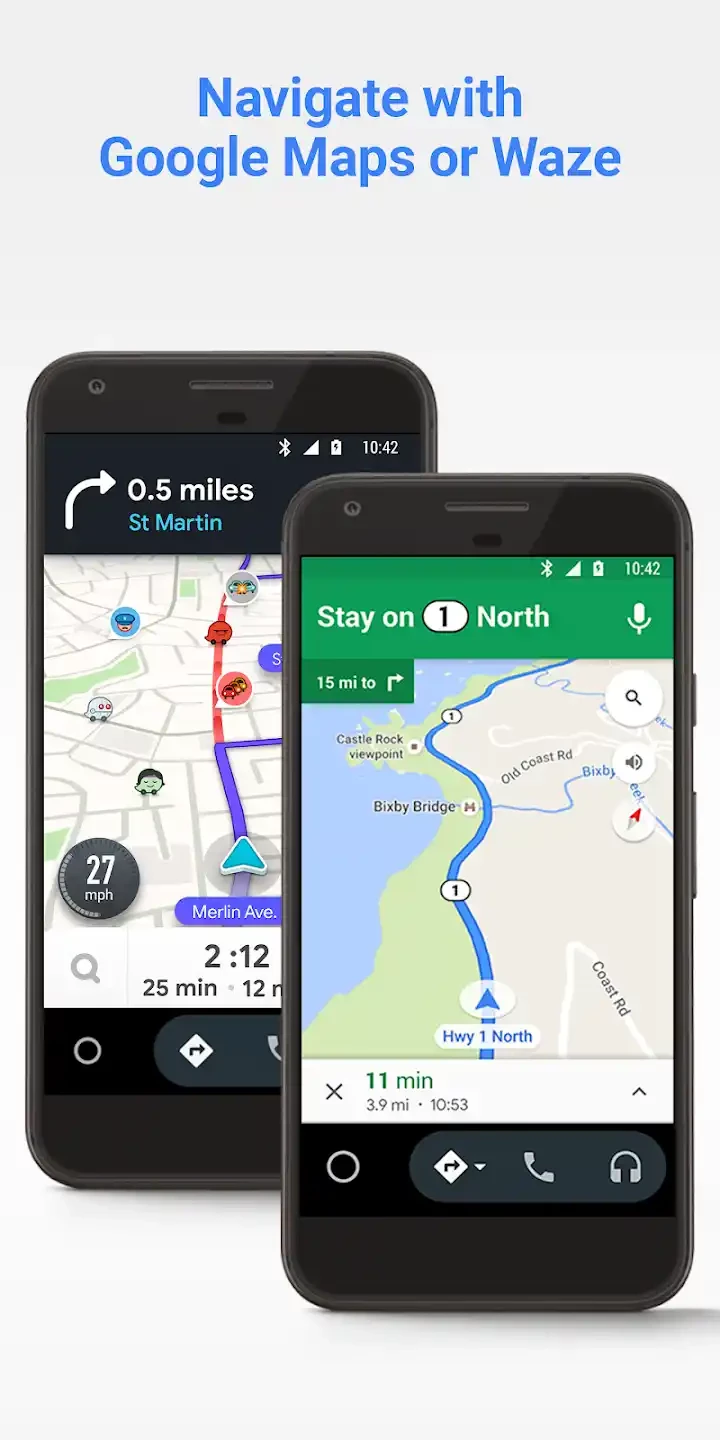
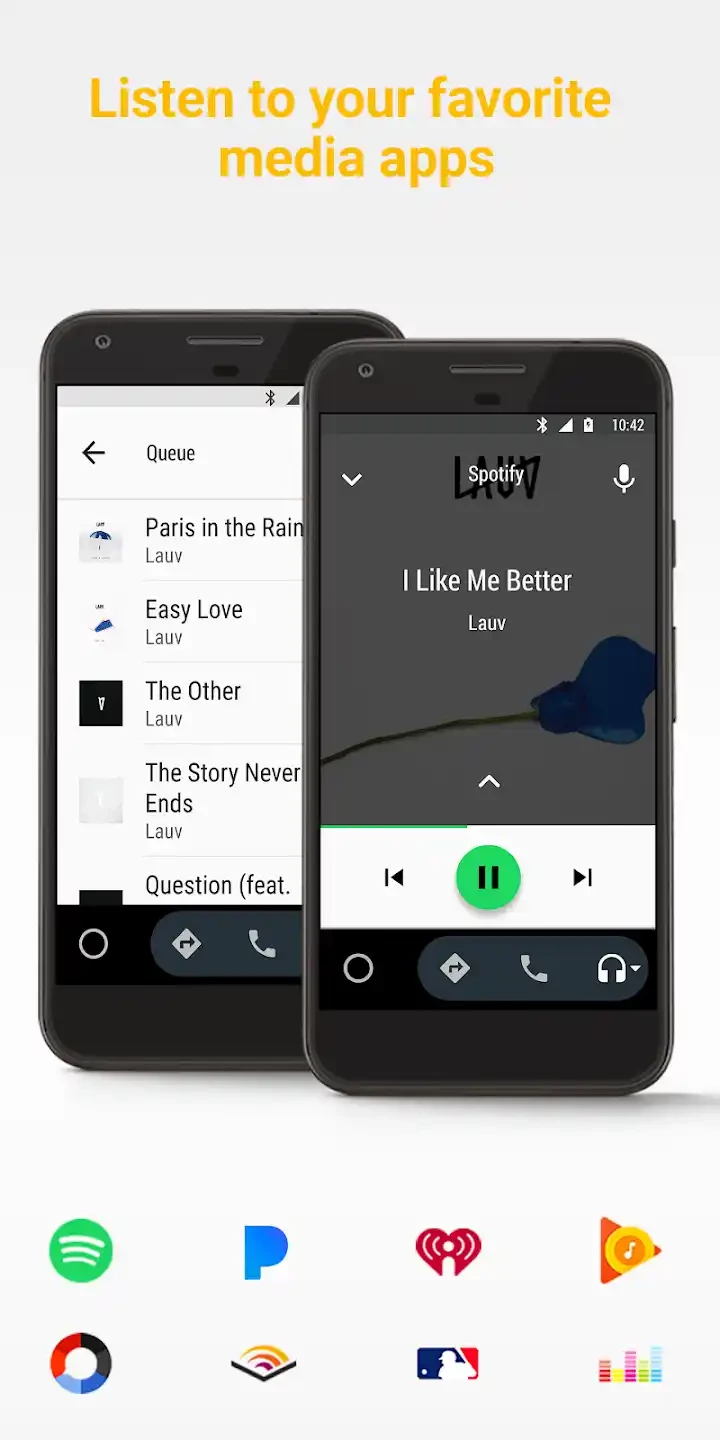
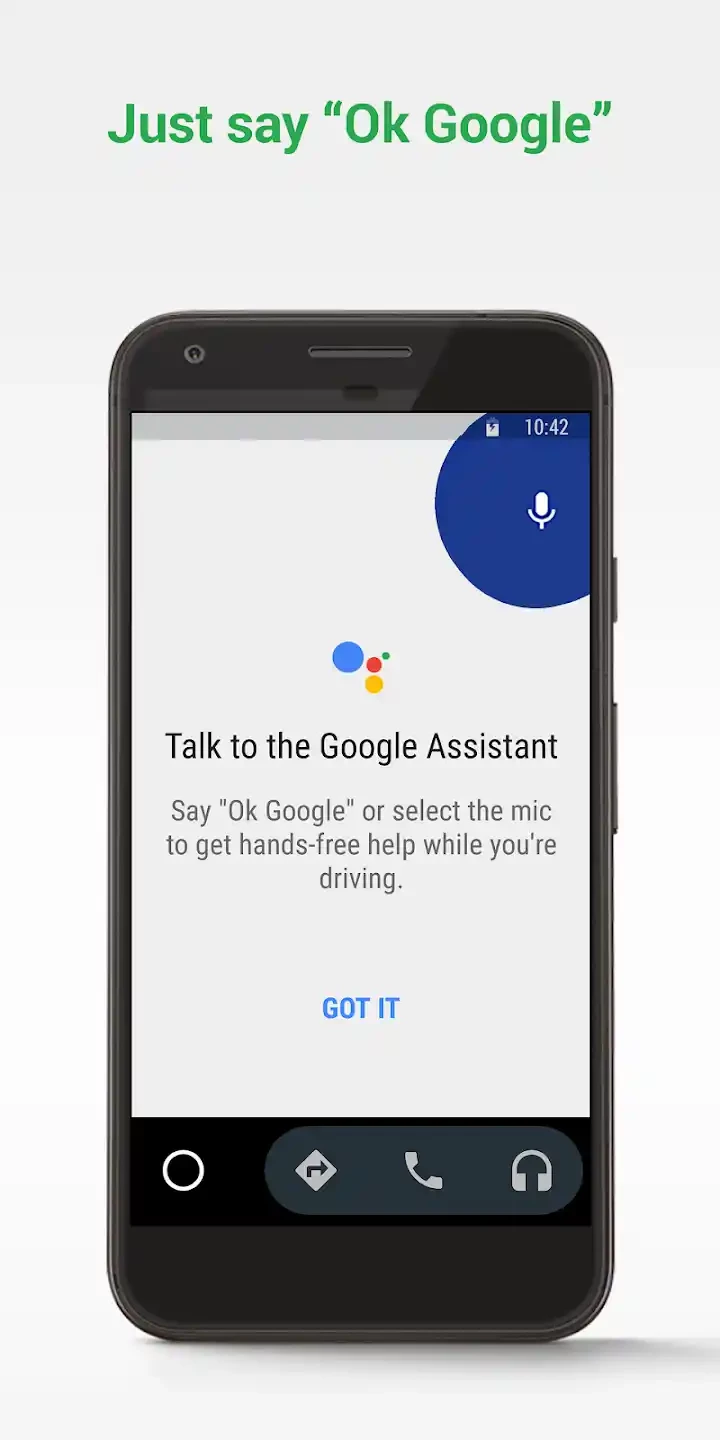
Android Auto is a smart Android app that helps to mirror your smartphone’s home screen onto your car’s display. It has a specific interface specifically designed for driving that offers quick interaction for multiple apps, including Google Maps, Calendar, YouTube, and so on.
Similar to Apple CarPlay, it also hands-free experience to allow drivers send messages, make calls, play games, and use other apps as well. The free-to-use utility is one of the best solutions to stay connected with others while driving.
Android Auto is a comprehensive platform to connect your Android device with the infotainment of your car system. It is developed by Google and is part of the Open Automotive Alliance. It was released on March 19, 2015, and was discontinued in June 2022, as Google offered built-in Drive Mode into the Google Assistant.
The app, after connecting your phone with your car’s head unit, enables you to hold everything using a touchscreen as well as button-controlled head units. You will find support for GPS mapping, audio/video playback, SMS, telephone, and Web search. Simply set up Android Auto before starting your driving, and use your voice commands to activate while driving on the road. It supports Android versions 6.0 or higher.
The app offers a simple and easy-to-use connection between your smartphone and your car’s infotainment system. One thing is important; it requires compatibility with the vehicle. You only need to connect both devices using a USB cable or over Bluetooth, and start using your mobile hands-free. In this way, you can safely drive while avoiding unnecessary distractions, as it relies on voice commands to continue your communication, navigation, and other functions more reliably.
After a compatible connection between devices, you will be reliably capable of navigating with the support of multiple navigation apps such as Google Maps, Waze, TomTom, and so on. It will allow you to avail real-time GPS navigation and traffic alerts that make your journey safe while sending notifications such as route details, estimated time of arrival, and potential hazards. This will allow you to make informed decisions about their journey. In addition, use ChargePoint and ParkMobile for locating EV charging stations and parking spots.
Use a touchscreen to make or receive phone calls, as possible within the infotainment controller, or Google Assistant, while avoiding picking up your mobile from your pocket. It will show your incoming calls on your car’s display, and enables you to accept, reject, or send them voicemail hands-free, even if you are on a call while entering your car, the call will be transferred onto your car’s head unit automatically. The app is also integrated with multiple digital apps such as WhatsApp, Skype, etc to make your communication simple and smooth.
The app also integrates multiple robust communication capabilities to manage your communication effortlessly. It supports voice commands to make calling and sending messages possible, as it supports multiple instant digital messaging apps such as WhatsApp, Hangouts, Telegram, and even SMS. You can use Google Assistant to dictate your text hands-free, and also listen to your incoming messages, as Google Assistant will read them loudly, and also prompt you to reply quickly.
You can seamlessly access the latest Android Auto 10 update while using the standalone APK installer. It is available for all types of users, but it requires a manual update, as you need only to download the installer, select the update, and follow the on-screen instructions for completing your download and installing the update on your device.
The app offers seamless accessibility with support of Google Assistant, as you need only to navigate to the AI-powered tool, say “OK, Google”, and get the services you want hands-free. It works similarly to Siri or Amazon Alexa to comply with your voice commands while using voice recognition and natural language processing. It will make the handling of multiple services simple and smooth, such as playing your favorite track, making calls, sending messages, or using a navigation app to set your location.
The app offers ‘Do Not Disturb” mode for personalizing your communication functionality, as it will allow you to inform others about your present situation, so they should avoid sending messages. In this way, you can confidently drive while avoiding the distraction because of incoming notifications. It prioritizes all necessary functions while offering an easy-to-use interface that includes large buttons.
The integration with the Calendar app helps users to manage their upcoming events effortlessly on Android Auto. You can view your schedules on the infotainment screen, and you can access any of your meetings or appointments with attached location while launching the navigation. You can also arrange conference calls while using Microsoft Teams and Zoom.
The software offers two ways to connect the phone to it, such as
Unlock your device, and use a USB cable to connect your phone to your car’s USB port. On connecting, the screen will give you the option to connect.
The latest car models have a wireless Android Auto option to pair your phone with your car’s head unit. After connecting, open the ‘found devices’ list, and click to connect. The first time connecting, you have to enter a four-digit code on both the phone and the car's head unit. Next, it will load automatically and be ready to use. You can use it like your phone, and give voice commands to run any of your required apps or feature.
Android Auto APK is a platform of smart apps that are used through the phone to a car’s screen. Android Auto uses network connectivity to utilize the apps and update the current apps- Google Maps, Google Play, and much more. A popular application that supports about 30 brands of cars: you can easily navigate and control the volume, address book, and reminders.
Pros
Cons

ChatGPT is an OpenAI chatbot which is to offers quick responses to diverse tasks

Microsoft 365 Copilot is an AI-powered utility with smart work from anywhere.

Google Gemini AI-powered content right on your smartphone

PayPal enables users to transfer money securely and safely within a trusted digital wallet.

Perplexity AI-powered search companion asks more, and gets detailed information

U-Dictionary is a unique language-learning companion with multi-mode translations